
01
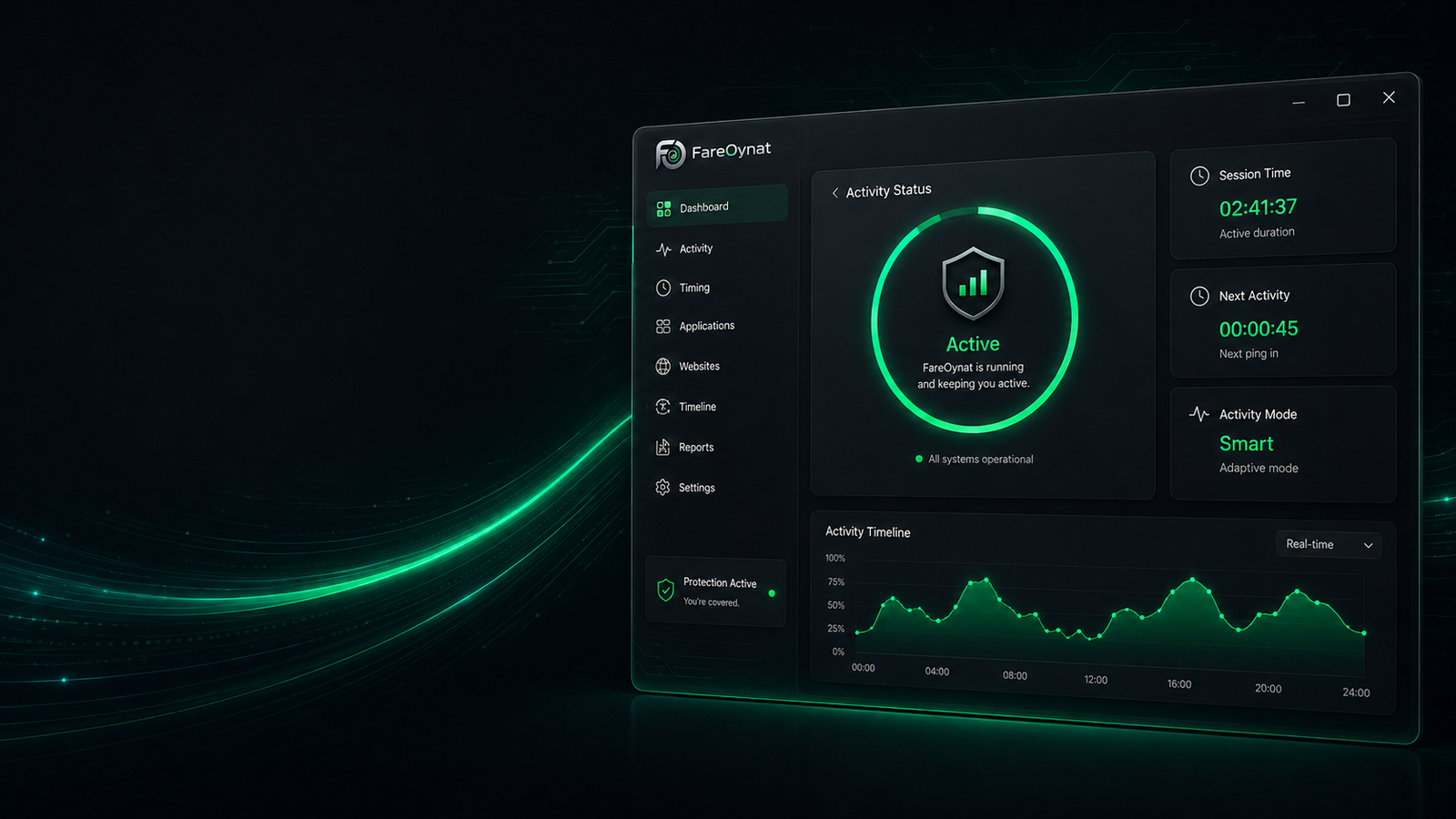
Smart Activity & Status
Automate activity actions, keep session status and timing visible, and adapt behavior, intervals and profiles to your workflow.
Flexible actionsLive statusProfiles & intervals
FareOynat brings Smart Activity, privacy, analytics, Cloud Sync and powerful system tools together in one modern interface — local, transparent and directly controllable.
Use exactly the features you need. FareOynat keeps things clear, exposes system states and combines important Windows tools in one consistent interface.
Automate activity actions, keep session status and timing visible, and adapt behavior, intervals and profiles to your workflow.
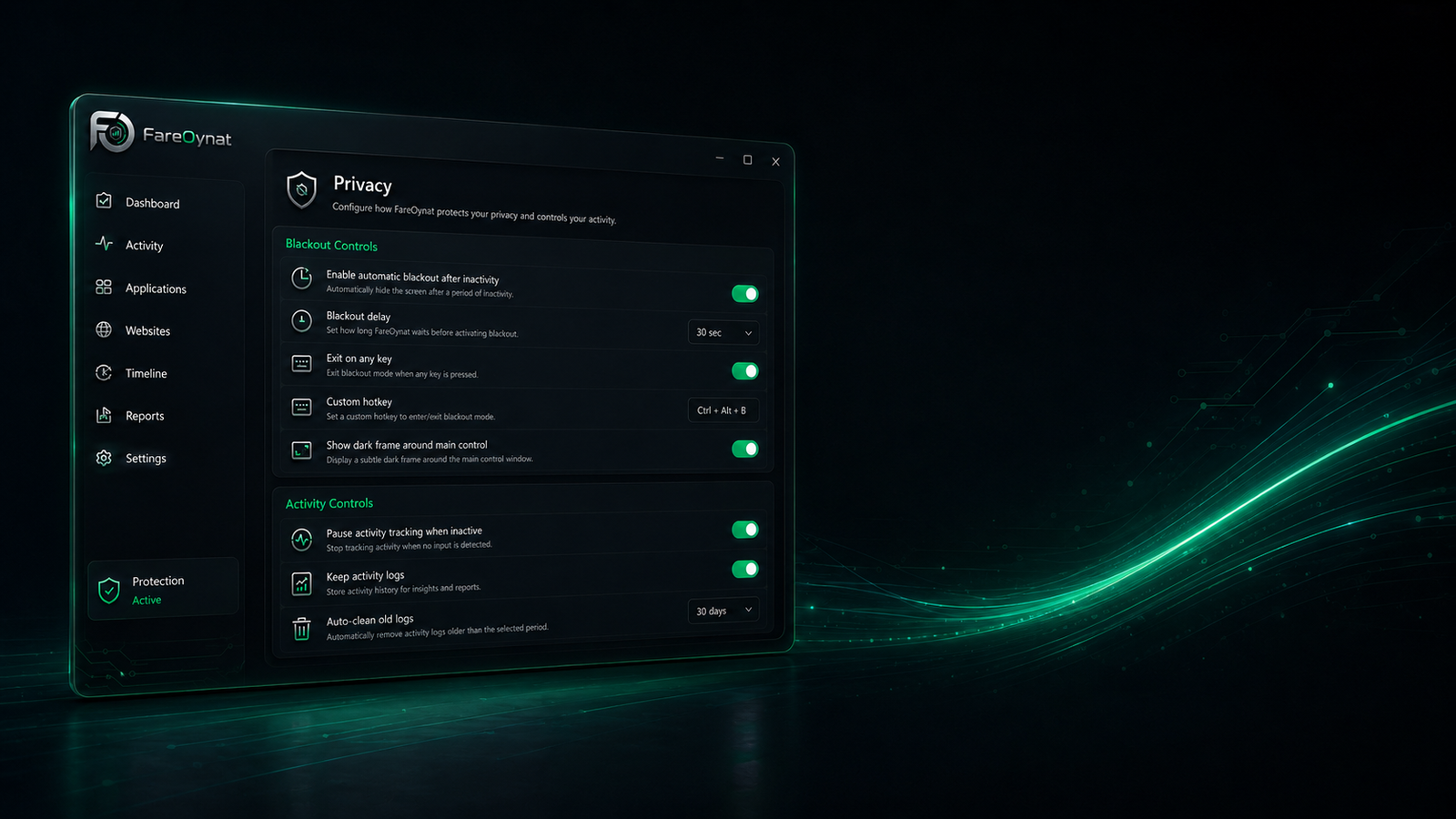
Blank the screen instantly or automatically after inactivity. Hotkeys, exit behavior and activity logs remain fully configurable.
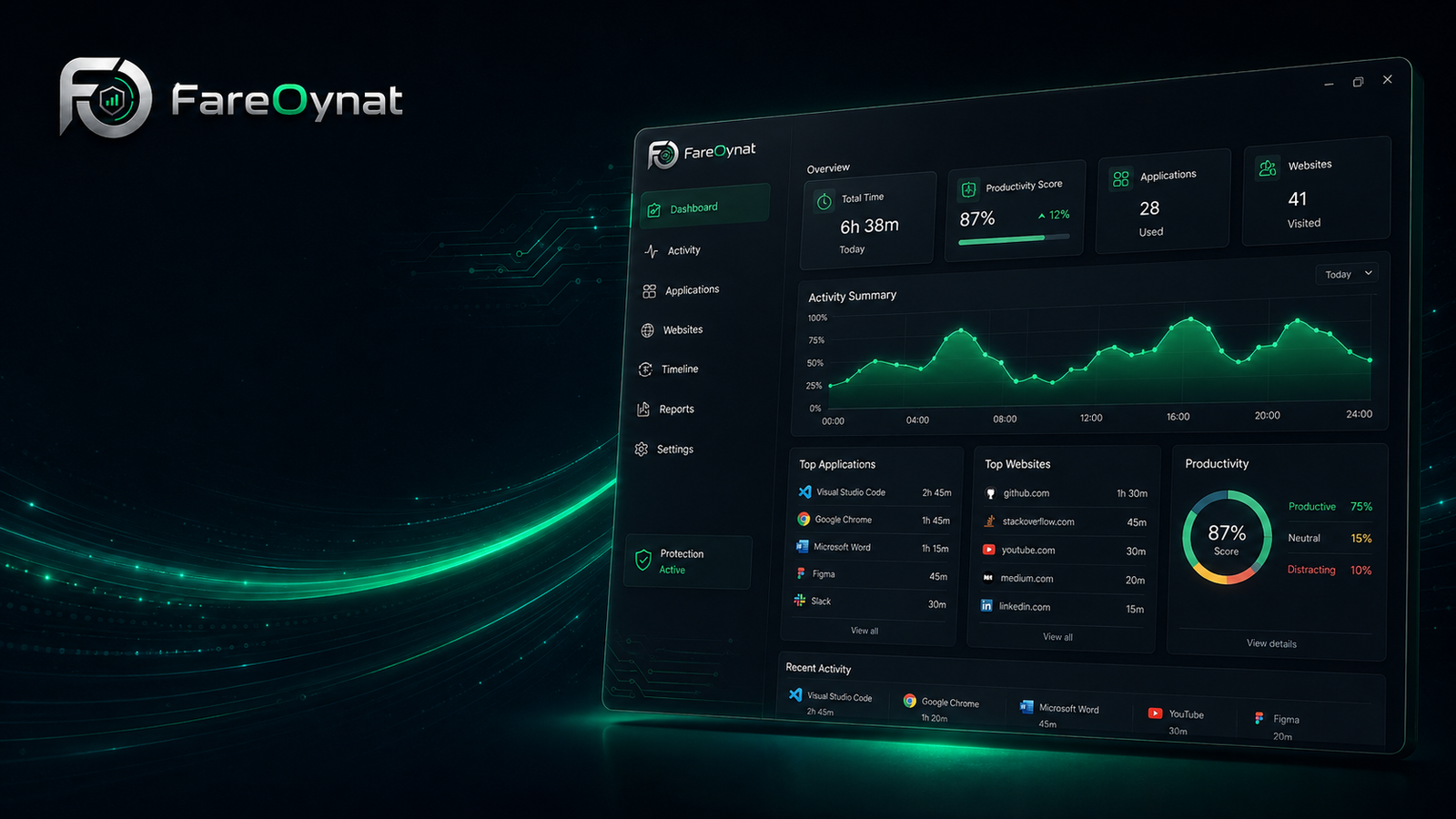
Distance, speed, active time and sessions are presented clearly so you can see trends instead of isolated numbers.
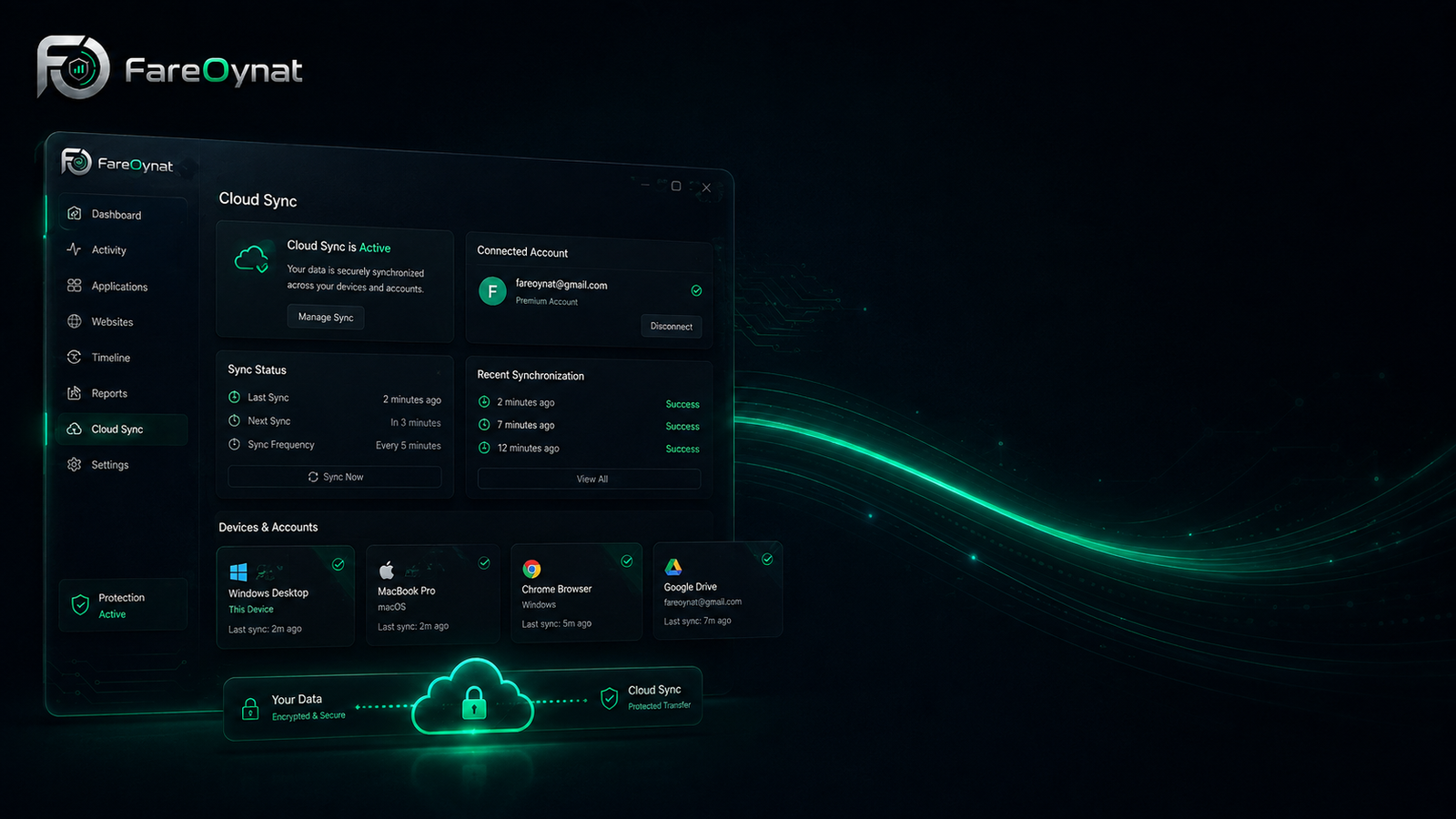
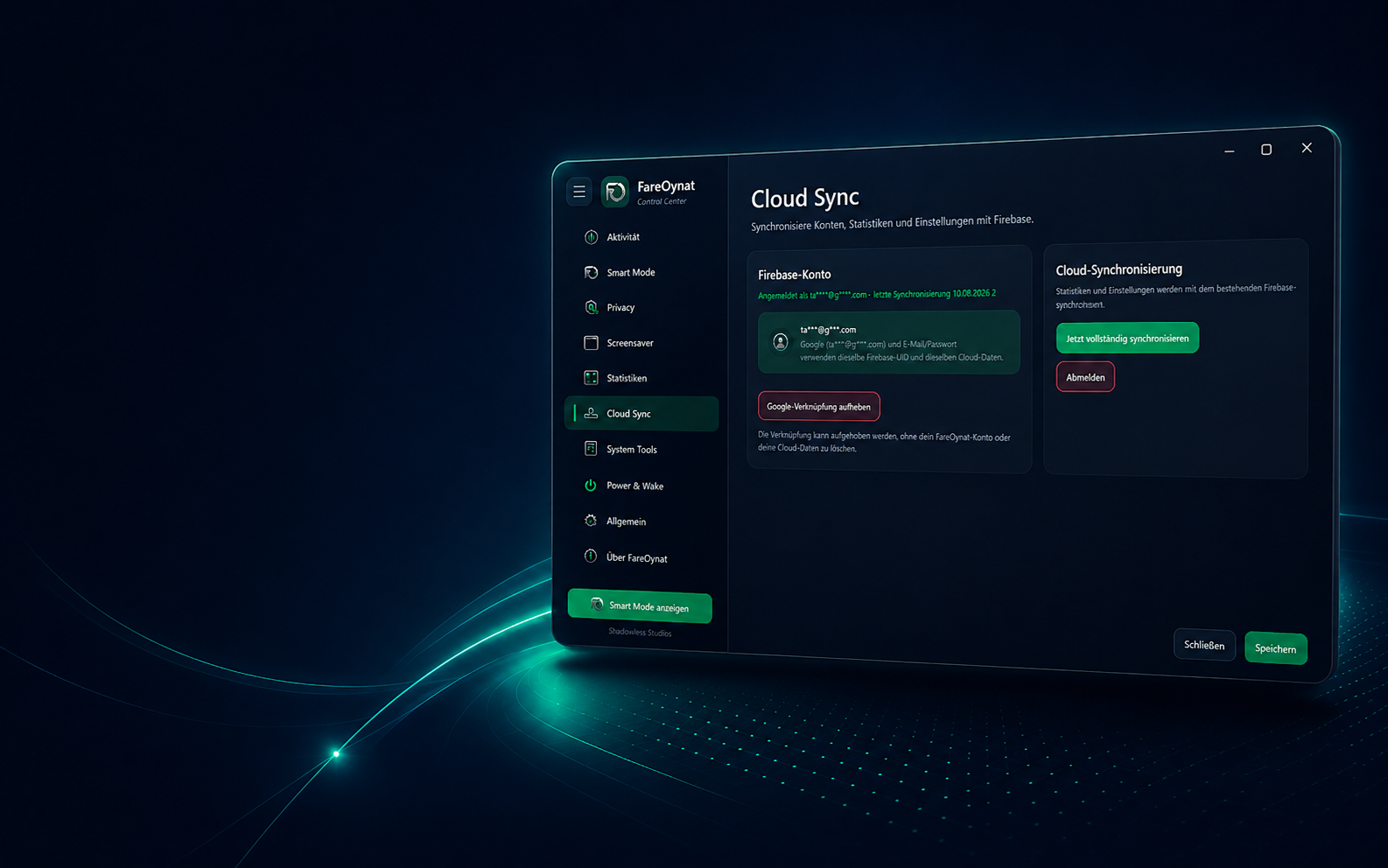
Optionally synchronize settings and statistics through Firebase. Email/password and Google can share the same Firebase account and the link stays manageable.
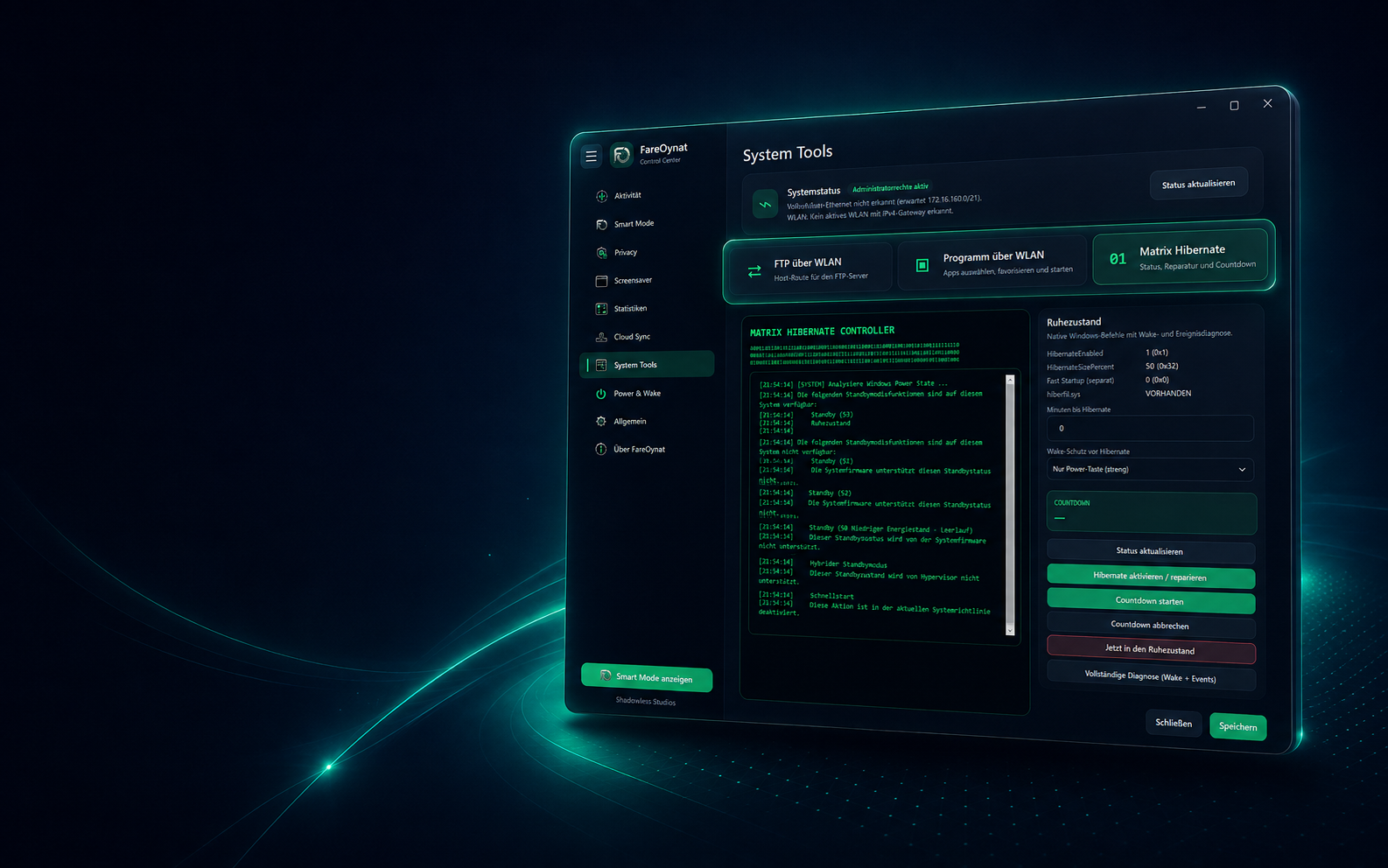
FTP over Wi-Fi, application routing and network status are provided as a clear interface instead of loose scripts.
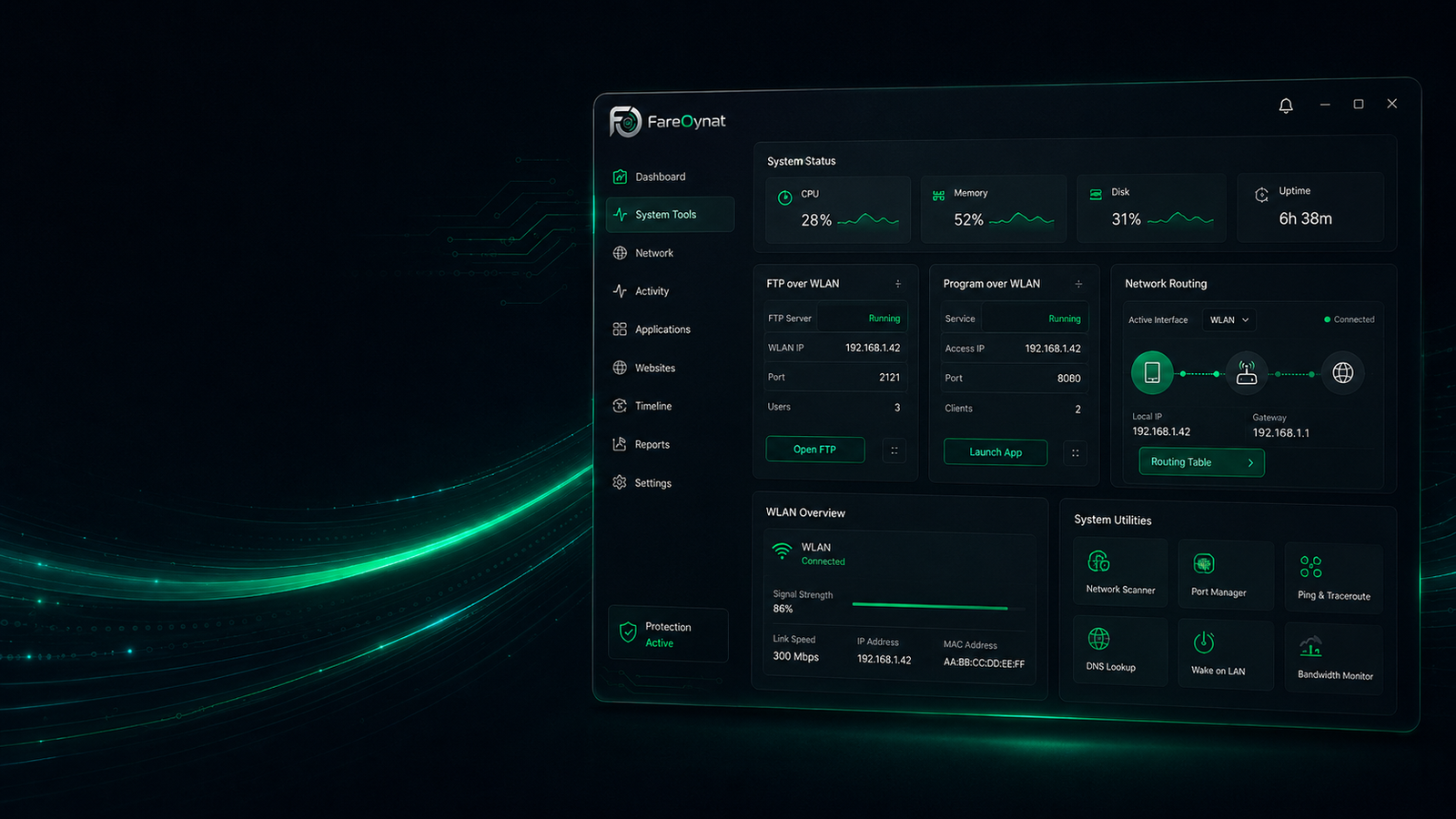
FTP over Wi-Fi, application routing and network status are provided as a clear interface instead of loose scripts.
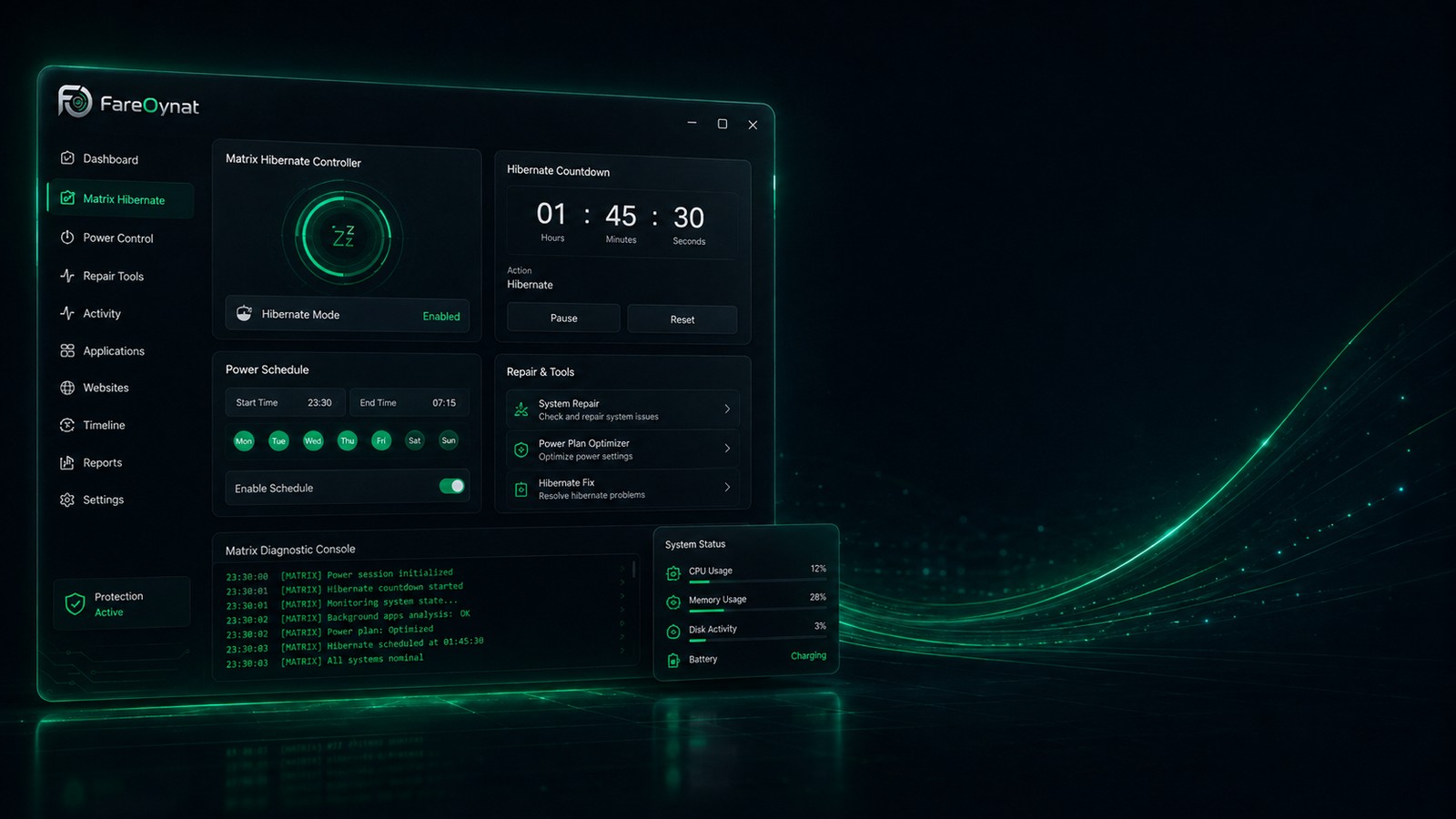
Check and repair hibernation, start it immediately or with a countdown, and inspect power-state and wake information directly in FareOynat.
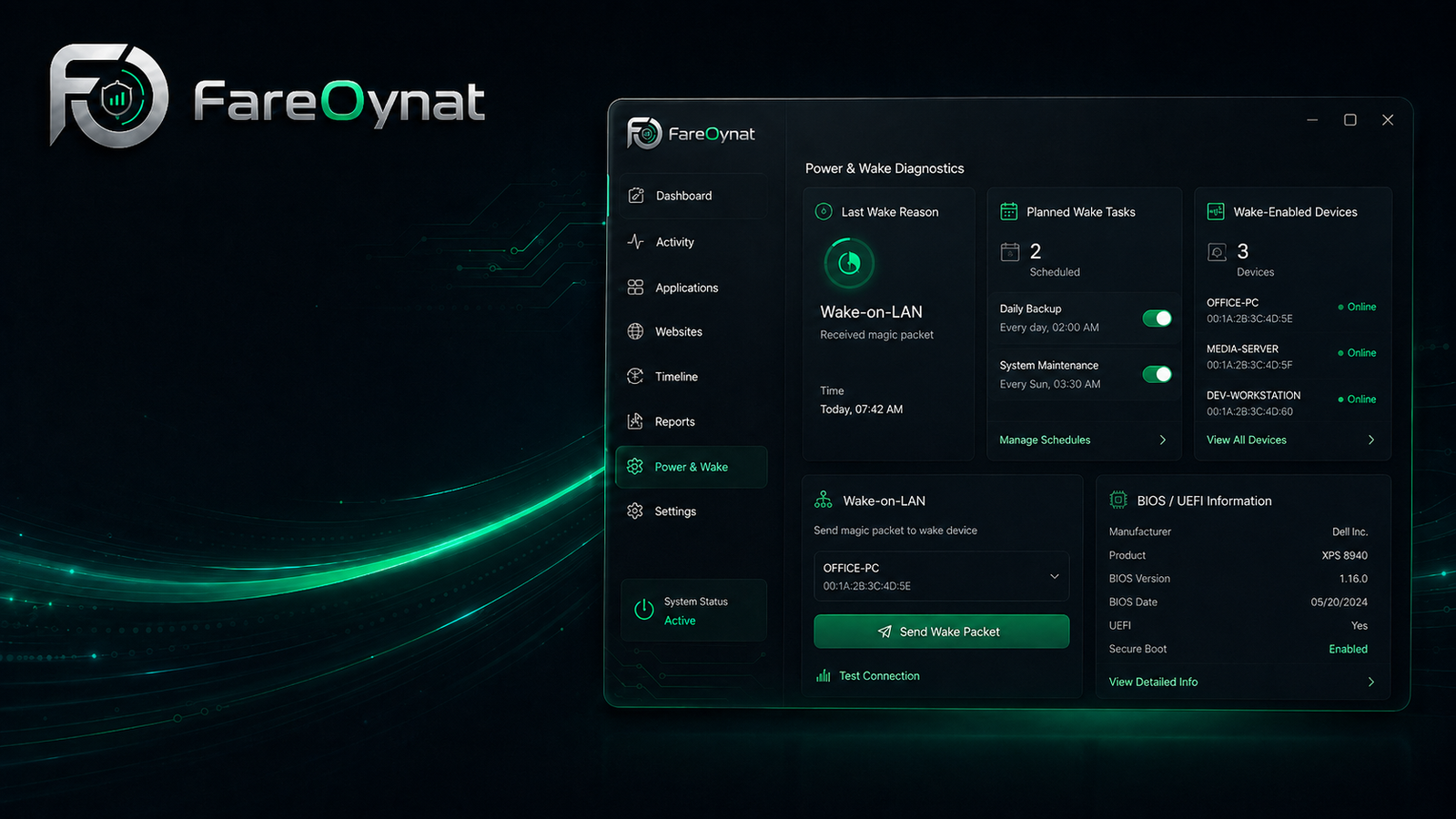
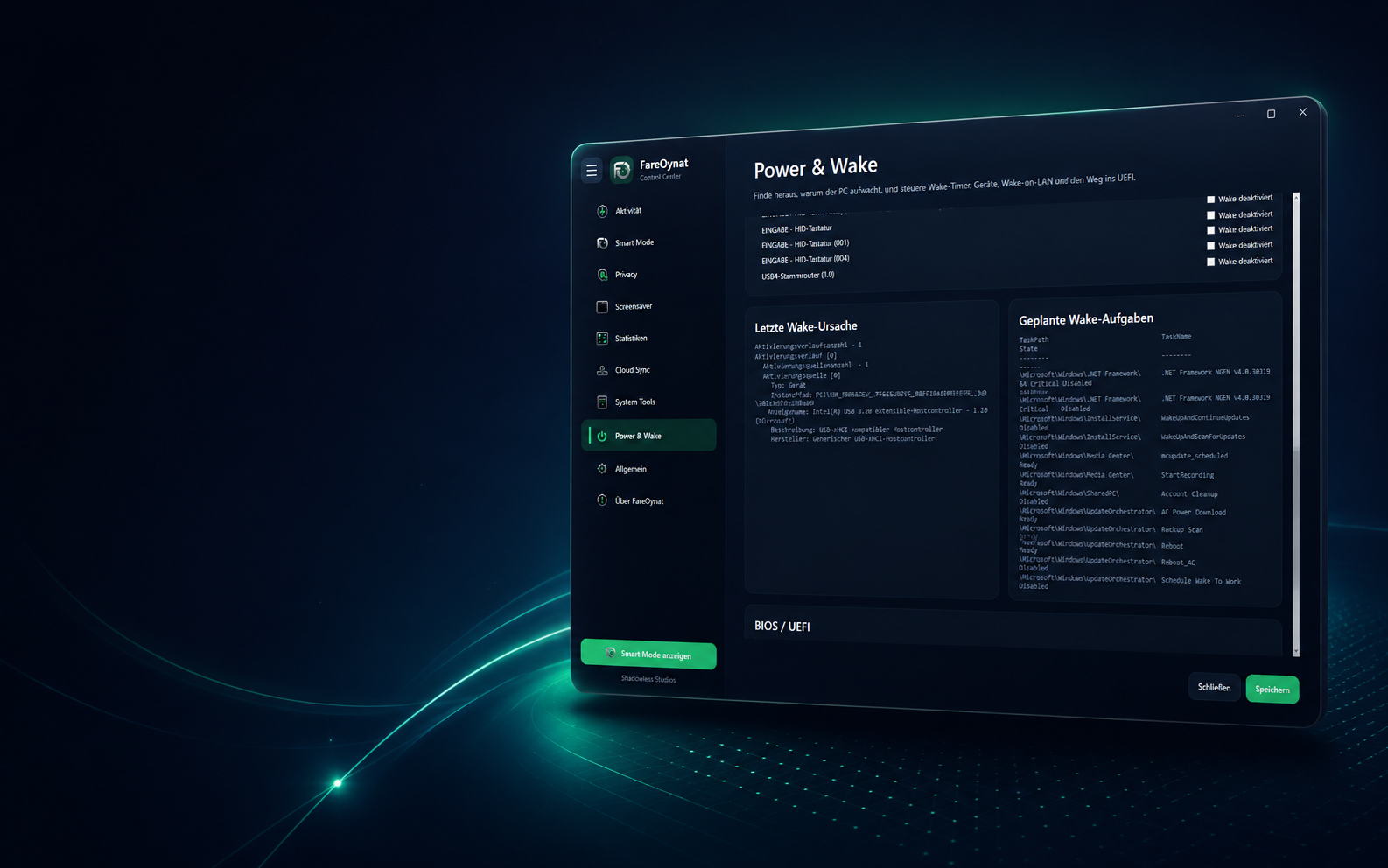
Analyze the latest wake reason, wake timers and devices. Manage Wake-on-LAN and review BIOS, UEFI and motherboard information in one place.
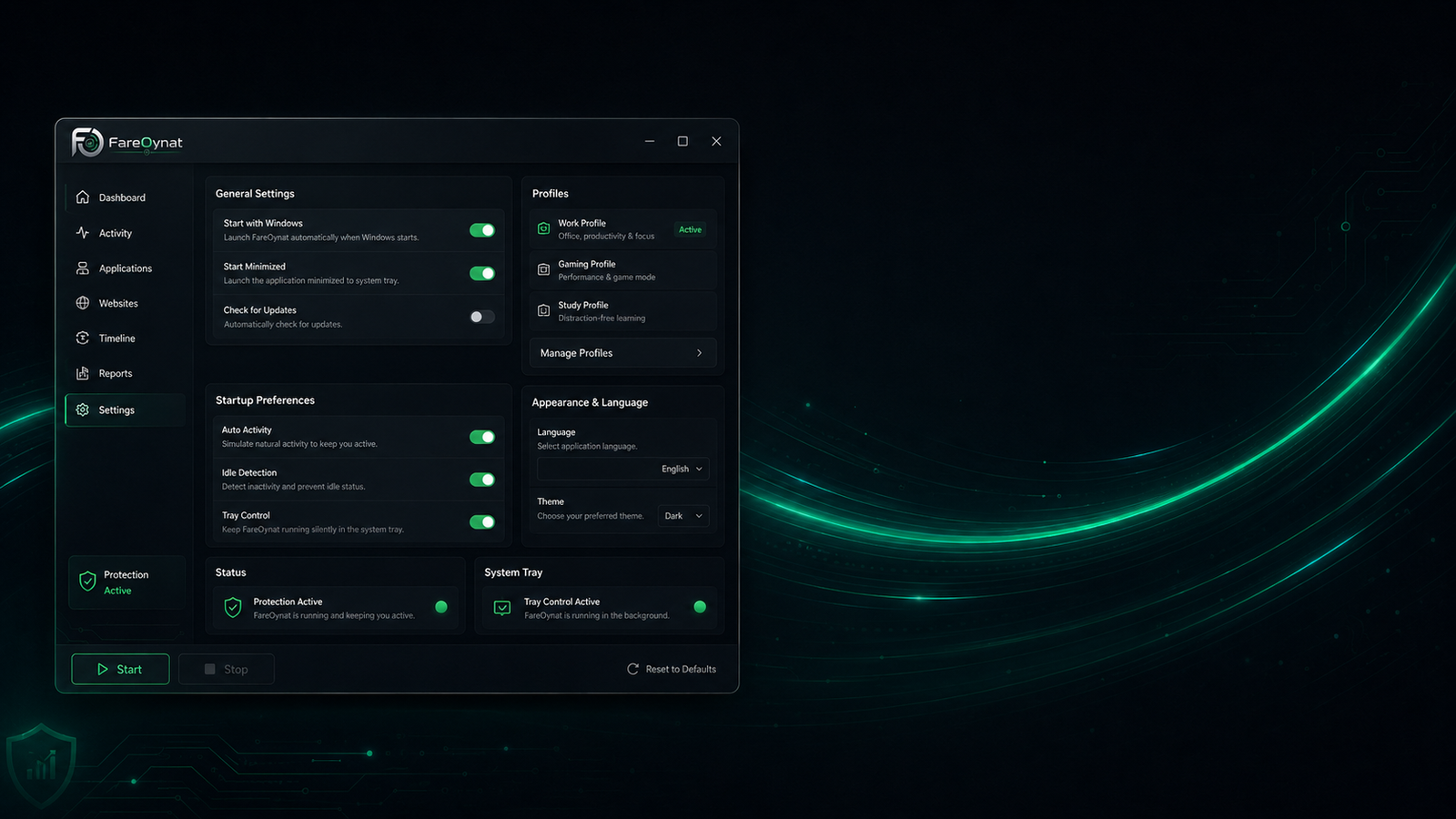
Startup behavior, profiles, language, appearance and system options stay centrally configurable and clearly grouped.
Use the direct Windows installer or download the same installer as ZIP. The app is shipped self-contained for Windows x64.
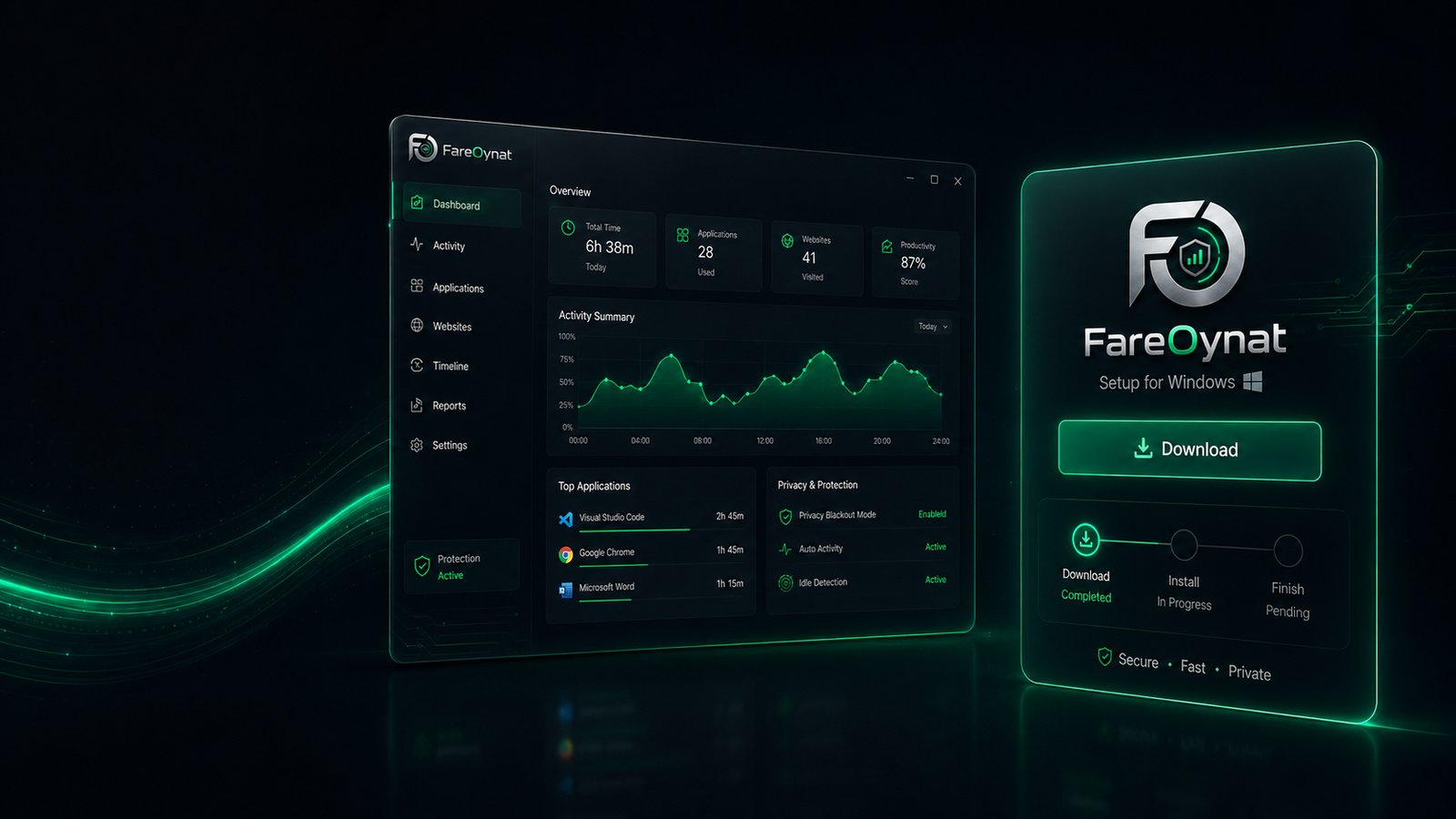
Install FareOynat and configure activity, privacy, cloud and system features exactly the way your Windows PC needs them.